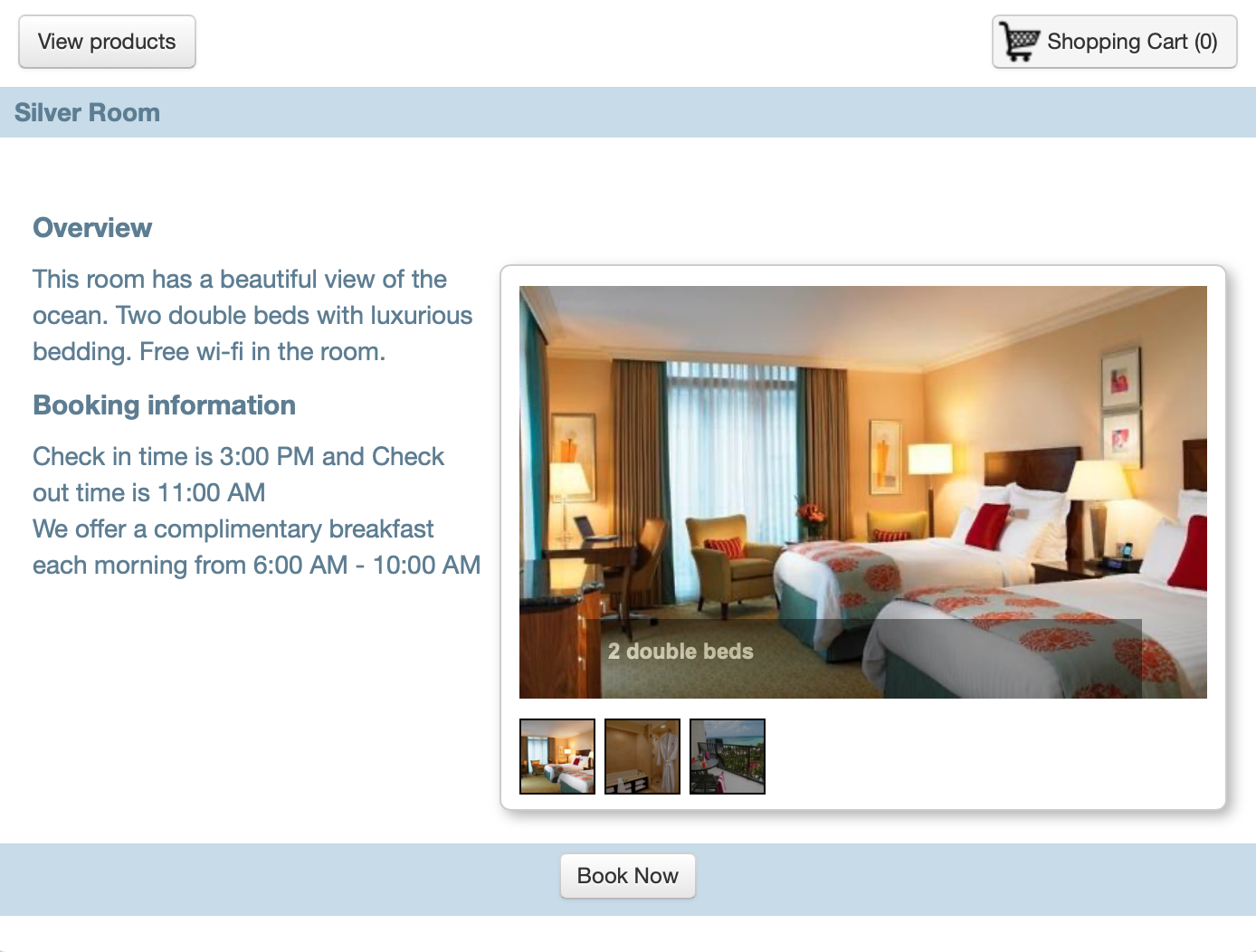
WebReserv allows you to add pictures for each product (room/rental/tour), and pictures will display in the Product listing of the booking calendar and in the Overview section. The amount of pictures will vary per account level (Silver = 5, Gold & Enterprise = 20).
To upload a picture, navigate to Setup - Products & Reservation Rules. Select a Product to edit. Click on Pictures from the left column.
- To add a picture, select Choose File to access the picture
- Click Upload
- Add a Description
- Save your changes
Note: for best results with images, add either jpg or png image files with a maximum resolution of 2048 x 1536 pixels.
Repeat steps to add additional pictures.

On the Booking Calendar online, customers can click on the product they want to Book, and see the pictures you added. They can use the Image Gallery to view all pictures.